What is Monday.com?
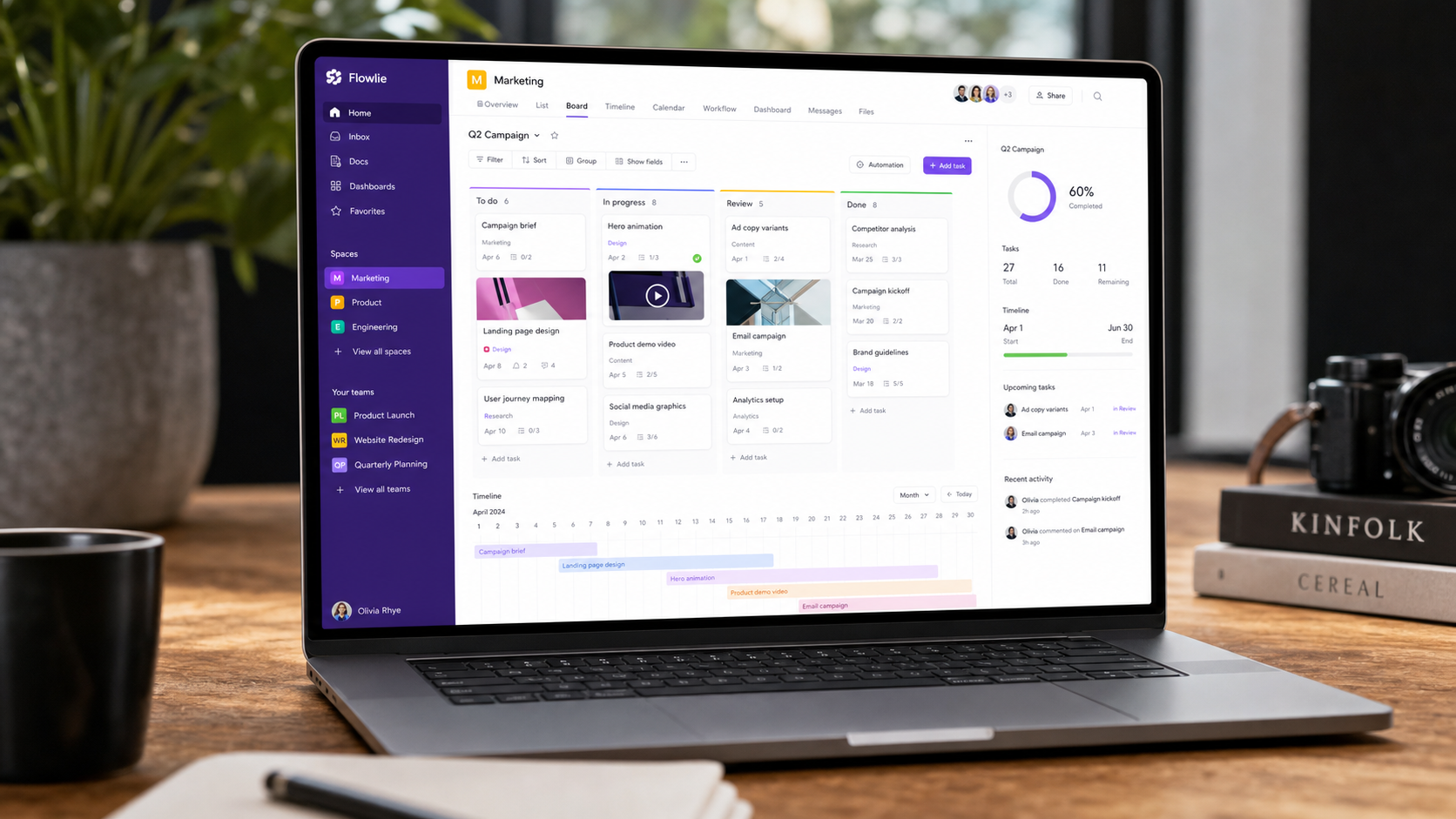
Monday.com is a highly visual work and project management platform. Unlike rigid tools, it treats everything as customizable boards — you can build Kanban, Gantt, calendar, and list views from the same data, and add custom columns for any field your workflow needs.
Its core strength is flexibility plus polish: it's powerful enough for complex operations while staying approachable for non-technical teams. The interface is widely considered the most polished in the category.
How We Tested
- Managed 3 real projects — content calendar, product roadmap, and client delivery
- 3 weeks of daily use by a 6-person team
- Compared directly against ClickUp, Asana, and Notion
What We Loved
Pros
- Best-in-class, intuitive interface
- Extremely flexible boards & views
- Great automation builder
- Beautiful dashboards
- Onboarding is effortless
Cons
- Per-seat pricing adds up
- Some advanced features gated
- Less document-centric than Notion
- Complex setups need a plan first
Pricing
- Free: 2 seats, unlimited boards — good for trying
- Basic ($10/seat/month): Unlimited items, timeline & Gantt
- Pro ($16/seat/month): Automations, dependencies, formulas
Monday.com is priced per seat, which can get expensive for larger teams. The Pro tier is where it becomes truly powerful with automations and dependencies — budget accordingly.
Who Should Use It
Perfect for: mid-size teams, agencies, and operations teams that need a flexible, polished project tool with strong dashboards.
Not ideal for: tiny teams on a tight budget (per-seat pricing hurts), or document-heavy teams that live in Notion and need wiki-like flexibility.
Monday.com vs Alternatives
| Tool | Score | Price | Best For |
|---|---|---|---|
| Monday.com | 8.8 | $10/seat | Polished, flexible PM |
| ClickUp | 8.6 | $7/seat | Feature-rich on budget |
| Asana | 8.4 | $10.99/seat | Team task management |
| Notion | 8.3 | $10/seat | Docs + databases |
FAQ
Is Monday.com free?
Yes, there's a free plan for up to 2 seats with unlimited boards. It's limited but good for evaluating the platform. Paid plans start at $10/seat/month and add timeline, Gantt, automations, and more.
Is Monday.com better than ClickUp?
Monday.com has a more polished, intuitive interface; ClickUp offers more features per dollar. If UX matters most, choose Monday. If you want maximum features on a budget, ClickUp is the value pick.
What's the difference between Monday.com and Notion?
Monday.com is purpose-built for project and work management with superior dashboards and automations. Notion is more flexible as a document + database tool. Teams that live in docs prefer Notion; teams that need structured project tracking prefer Monday.com.