How to Choose the Right AI Tool (2026): A Practical Buying Guide
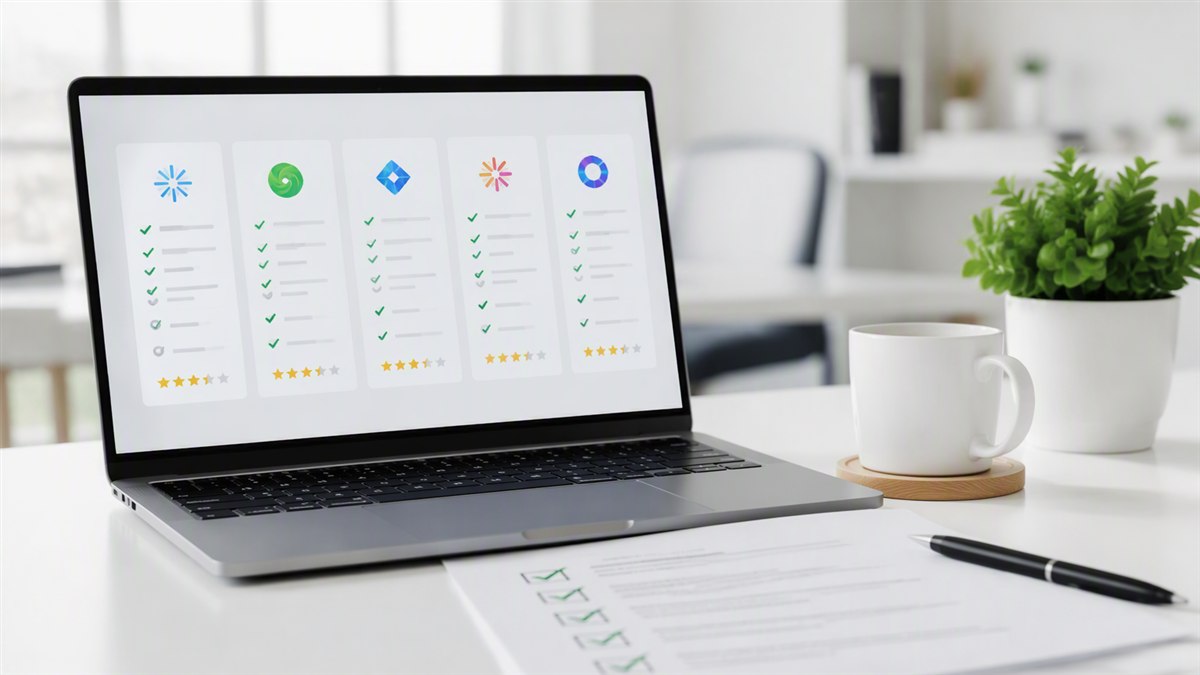
Hundreds of AI tools launch every month, each claiming to be "the best." After testing 30+ tools ourselves, we've built a framework that cuts through the hype and helps you pick the right one for your actual needs — without wasting money.
Choosing an AI tool used to be simple — there were a handful of options. In 2026, there are hundreds, from general assistants to hyper-specialized niche tools. The good news: most people don't need the "best" tool. They need the right tool for their workflow. Here's our process.
Step 1: Define Your Actual Use Case
Write down the specific tasks you'll use it for
Before looking at any tool, list your real tasks. "I want an AI writing tool" is too vague. "I need to draft 3 blog posts per week and summarize research reports" is actionable. The more specific you are, the easier it is to evaluate tools.
Ask yourself: What's the one job this tool must do well? Every tool has strengths and weaknesses — the key is matching the tool's strength to your most important task, not the tool with the longest feature list.
Step 2: Set Your Budget & Frequency
Decide what the tool is worth per month
AI tool pricing ranges from free to hundreds of dollars per month. A useful rule: if the tool saves you 1+ hour per week, and your time is worth more than the subscription, it's worth it. Calculate your break-even before subscribing.
Most quality tools fall in the $10–$50/month range. Start with free tiers — they cover 70-80% of most needs.
Step 3: Use the 5-Dimension Scoring Framework
This is the framework we use for every StackHK review. Score any tool 1-10 on each, then weight by what matters to you:
| Dimension | Weight | What to Ask |
|---|---|---|
| Features | 30% | Does it do everything you need? |
| Output Quality | 25% | Is the result genuinely good, not just functional? |
| Ease of Use | 20% | Can you learn it in a day? |
| Value for Money | 15% | Is the price justified vs alternatives? |
| Support | 10% | Is there help when you're stuck? |
Adjust the weights to your situation. A power user weights features higher; a busy non-technical user weights ease of use higher.
Step 4: Test Before You Commit
Run a real 7-day trial with your actual work
Don't evaluate with toy examples. Use the tool on your real tasks for at least 3-7 days. Most tools offer free trials or tiers — use them. If a tool won't let you try before paying, that's a red flag.
During the trial, ask: Would I switch back to my old way of working? If the answer is no, it's a keeper.
Step 5: Check for Lock-In
Before committing, check how easy it is to leave:
Lock-in checklist
- Can you export your data? (files, templates, history)
- Is there an API or integration with your other tools?
- Does your team have to learn a proprietary system?
- Is there a cheaper alternative with 90% of the features?
The Bottom Line
Choosing an AI tool isn't about finding the "best" — it's about finding the right fit for your workflow and budget. Define your use case, score objectively, and test with real work before paying. Follow this framework and you'll avoid most bad AI tool purchases.
Want to skip the research? We've already done the testing for you. Browse our AI tool reviews, our SaaS reviews, or our best-of rankings to find proven options.
FAQ
How much should I pay for an AI tool?
Most quality AI tools cost $10–$50/month. As a rule, if the tool saves you 1+ hour per week and your time is worth more than the subscription, it's worth it. Start with free tiers and upgrade when you hit limits.
Should I buy one all-in-one tool or several specialized ones?
For most people, 2-3 specialized tools beat one all-in-one. Generalists (like ChatGPT or Claude) cover the basics well. Specialized tools (Grammarly for editing, Cursor for coding) do specific jobs better. Combine free tiers with one paid tool for best value.
How do I know if an AI tool is actually good?
Test it on your real work for at least 3-7 days, and score it on the 5 dimensions: features, output quality, ease of use, value, and support. Don't judge on demos or marketing — judge on whether it genuinely improves your day-to-day work.