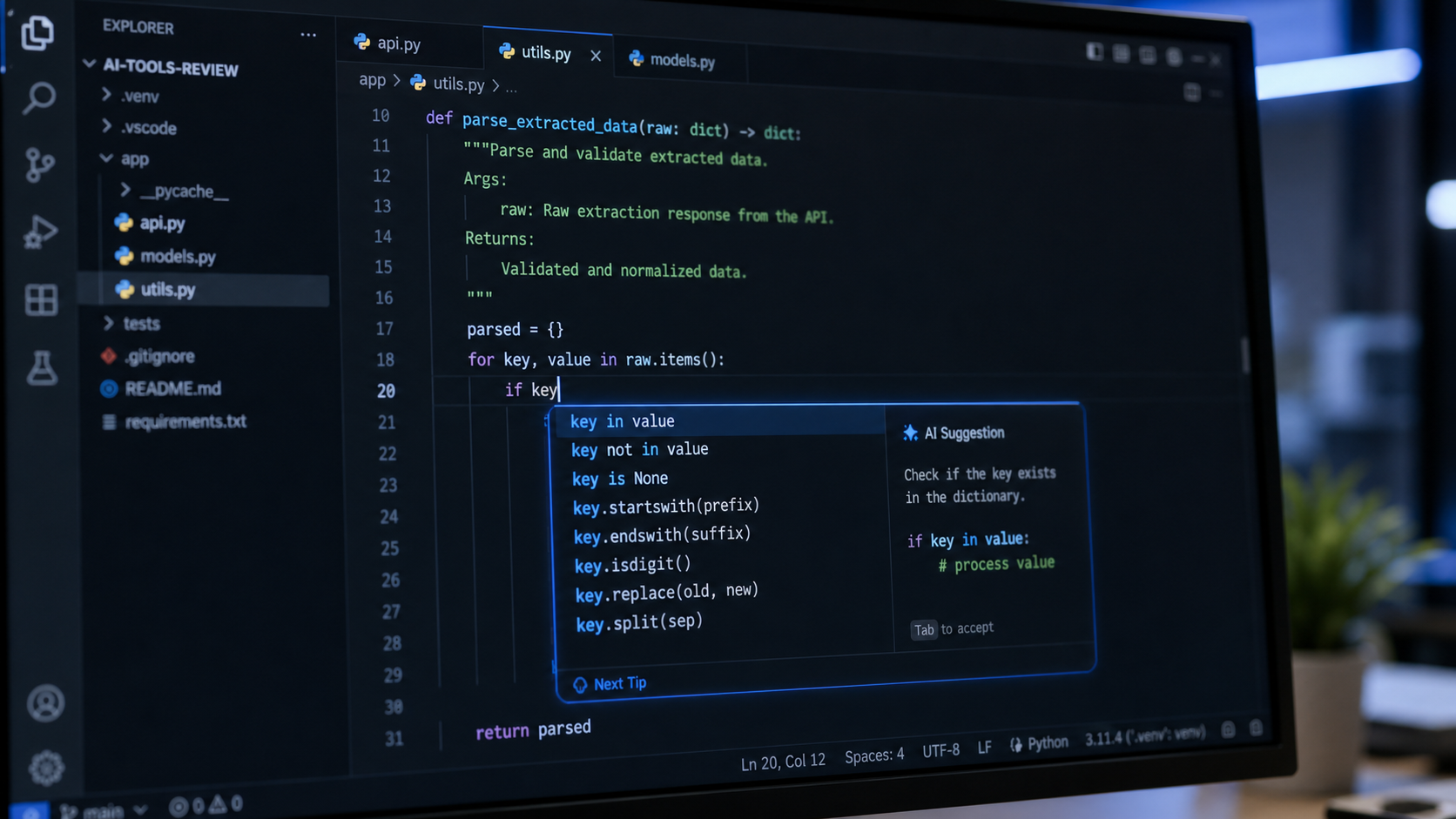

How We Tested

AI coding tools testing methodology with code generation visualizations

Disclosure: Some links are affiliate links. Full disclosure →

The Top 8 AI Coding Tools of 2026

1

Cursor AI — Best Overall AI IDE

Tab completion so good it feels like mind reading
Multi-file context editing · Inline code generation · AI chat sidebar · $20/month · VS Code fork
Cursor's tab-complete feature is the closest thing to telepathic coding we've seen. It predicts not just the next line but the next logical block of code across multiple files. The AI chat sidebar means you never leave your editor to ask questions. For professional developers, Cursor pays for itself in the first day.
9.1
/10 · Exceptional
2

GitHub Copilot — Best IDE Integration

The AI pair programmer in every major IDE
VS Code + JetBrains + Neovim · Multi-language · Copilot Chat · $10/month · GitHub integration
Copilot's greatest strength is its ubiquity. It works in VS Code, JetBrains, Neovim, and even GitHub's web editor. The Copilot Chat feature (added in 2026) brings ChatGPT-level coding conversations into your editor. For teams already on GitHub, it's the path of least resistance.
8.9
/10 · Exceptional
3

Llama 3.3 70B — Best Open-Source Option

GPT-4-class coding with zero vendor lock-in
100% free · Self-hostable · API access · 128K context · Open weights
Meta's Llama 3.3 70B delivers GPT-4-class coding performance as a completely free, open-weight model. For developers who want AI coding without monthly subscriptions or data privacy concerns, self-hosting Llama is the ultimate solution. Performance is slightly behind Cursor for complex multi-file refactors, but the freedom is unmatched.
8.5
/10 · Very Good
4

ChatGPT-4o — Best for Explaining & Debugging

The best code explainer in the business
Code interpreter · Voice mode · Multimodal · $20/month · Plugin ecosystem
While not an IDE-native tool, ChatGPT-4o excels at explaining complex code, debugging logic errors, and generating architecture diagrams. The Code Interpreter can run Python in a sandbox, making it perfect for data analysis and prototyping. Use Cursor for writing code and ChatGPT for understanding it.
8.7
/10 · Excellent
5

Claude Pro — Best for Architecture & System Design

The architect who codes — not the coder who thinks
200K context · Projects · Artifacts · $20/month · Exceptional reasoning
Claude Pro isn't primarily a coding tool, but its 200K context window and deep reasoning make it the best AI for system design and architecture decisions. It can read your entire codebase and suggest architectural improvements. For senior developers doing high-level design work, it's a powerful complement to a dedicated coding assistant.
8.8
/10 · Excellent
6

Replit AI — Best for Rapid Prototyping

From idea to deployed app in minutes
Browser-based IDE · Instant deployment · AI agent · $25/month · Multi-language
Replit's AI agent can build and deploy full web applications from natural language descriptions. It's not the tool for maintaining large production codebases, but for rapid prototyping, hackathons, and learning to code, nothing beats the speed of idea → deployed app in the same browser window.
8.4
/10 · Very Good
7

Codeium — Best Free AI Coding Assistant

The best free alternative to Copilot
Free for individuals · VS Code + JetBrains · Chat · Autocomplete · Search
Codeium's free tier is genuinely useful — not a crippled demo. It provides fast autocomplete across 70+ languages, an AI chat sidebar, and natural language code search. For students, open-source maintainers, and anyone who can't justify a $20/month coding assistant, Codeium is the clear choice.
7.9
/10 · Good
8

Gemini 2.0 Pro — Best for Code Review

1M context window — review your entire codebase at once
1M token context · Google integration · $19.99/month · Multimodal
Gemini 2.0 Pro's 1M token context window means you can feed it your entire repository and ask for a comprehensive code review. It's particularly strong at identifying security vulnerabilities, suggesting performance optimizations, and explaining complex dependencies. Pairs well with Cursor or Copilot for a complete workflow.
8.7
/10 · Excellent

Full Comparison Table

ToolScorePriceBest ForIDE SupportContext
Cursor AI9.1$20/moProfessional devsVS Code forkMulti-file
GitHub Copilot8.9$10/moAll devsAll major IDEsFile-level
Llama 3.3 70B8.5FreePrivacy-focusedAPI only128K
ChatGPT-4o8.7$20/moDebuggingWeb + API128K
Claude Pro8.8$20/moArchitectureWeb + API200K
Replit AI8.4$25/moPrototypingBrowser IDESession
Codeium7.9FreeBudget devsAll major IDEsFile-level
Gemini 2.0 Pro8.7$19.99/moCode reviewWeb + API1M

Which AI Coding Tool Is Right for You?

Professional developers should start with Cursor AI. The tab-complete alone is worth the subscription. Add GitHub Copilot if you switch between multiple IDEs.

Teams on a budget should pair Codeium (free) with Llama 3.3 (free via API) for a zero-cost AI coding setup that covers 90% of use cases.

Students and learners should use Replit AI for the fastest path from idea to deployed app, plus ChatGPT's free tier for code explanations.

FAQ

Is Cursor AI worth $20/month compared to free Copilot?

Yes. Cursor's multi-file context editing and superior tab-complete save significantly more time than Copilot's basic autocomplete. For professional developers billing $50-150/hour, saving 30 minutes a day pays for the subscription within a week.

Can open-source models compete with paid tools?

Llama 3.3 70B gets remarkably close (8.5/10 vs Cursor's 9.1). For most coding tasks, the difference is noticeable but not prohibitive. If you have the hardware to run it locally, it's the best free option available.

Will AI coding tools replace developers?

No. AI coding tools amplify good developers — they reduce boilerplate, suggest optimizations, and catch bugs early. But they can't replace architectural decision-making, understanding business requirements, or debugging complex distributed systems. Think of them as power tools, not replacements.